
SHAPEVIZ / FROM THE STUDIO
3D product visualization vs. product photography: which is right for your brand?
A new product, multiple color options or an entire furniture collection? Learn when to choose product photography, when 3D visualization makes sense, and what to prepare before commissioning your visuals.
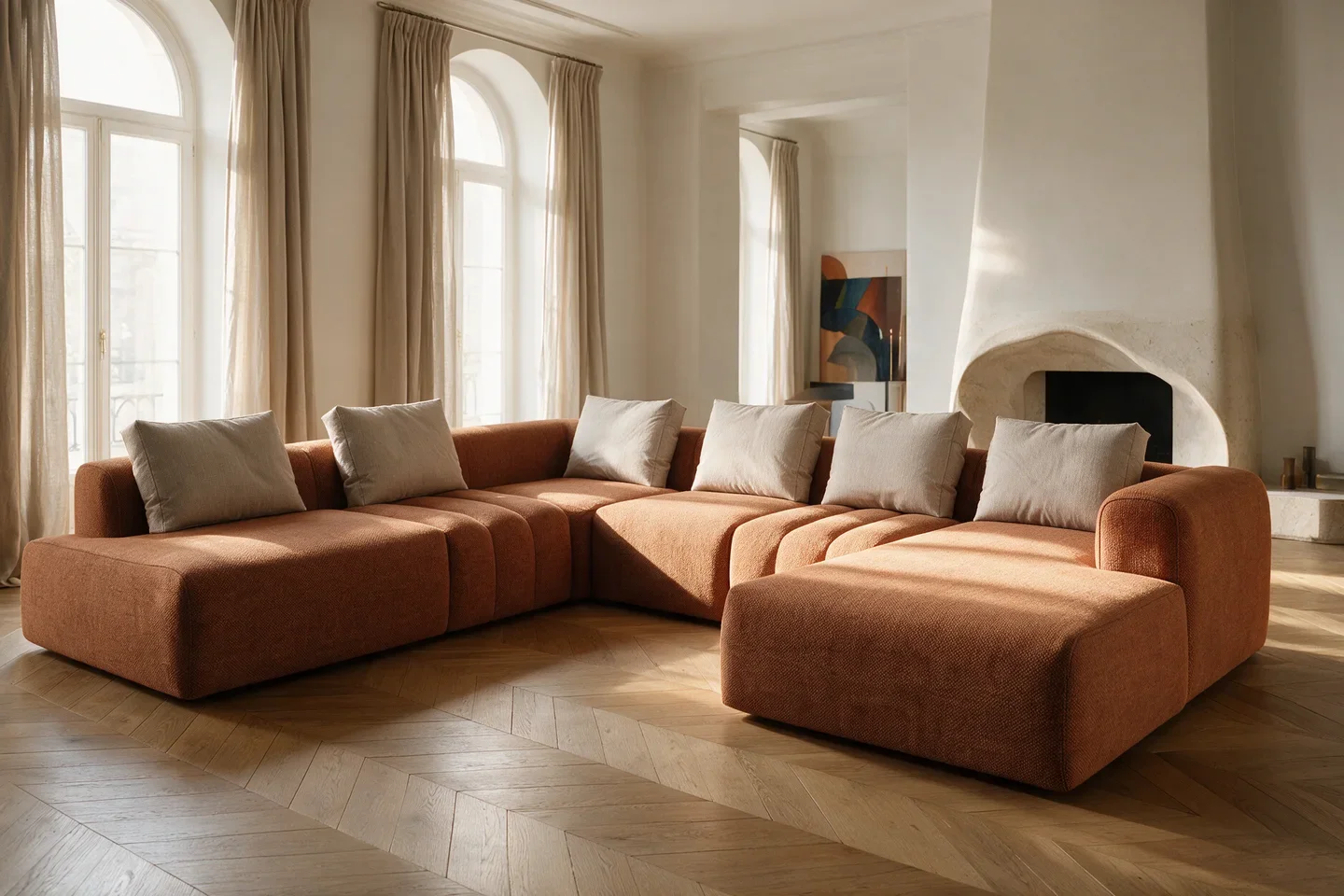
Imagine launching a new sofa collection. You need clean images for your online store, a campaign hero image and several interior views. Some upholstery options are still in production, but marketing is already preparing the launch. Should you wait for the finished pieces, organize a photo shoot or start with 3D visualization?
The decision depends on what you already have and how many different images you need. Photography may be the most direct route for a single finished product. For a collection with many variants, or a design that has not yet been manufactured, 3D may make more sense. Here is how to compare the options for your own project.
How do product photography and 3D visualization differ?
Product photography uses a physical object, real lighting and a camera. The result depends on product preparation, the setting, lighting, composition and subsequent retouching.
In 3D visualization, the image is created from a digital model. Its surfaces, lighting and camera are set up in a virtual scene, and the final image is rendered. This is also how Adobe and Autodesk describe virtual photography. The model can support multiple views and different ways of presenting the product.
Both approaches need accurate references and a clear visual direction. A photograph does not automatically reproduce the correct fabric color, and a render will not be accurate if the model has the wrong proportions. Reviewing both the product and the final image is essential.
When to choose product photography
Consider photography when you have a finished product and its actual surface or use is central to the presentation. A unique handmade piece may need to show its specific wood grain or irregular glaze. Recreating those exact details in 3D could add unnecessary work.
You need a few views of one available product and do not expect many additional variants.
You want to capture a particular item, natural human interaction with it or the real place where it is used.
Samples, a location and production arrangements are ready, and a shoot can fit your schedule.
Include transport, cleaning and product preparation, props, any models and retouching in your plan. With large furniture, logistics can affect the project as much as the shoot itself. For a small object in a simple studio, they may be straightforward.
When 3D product visualization makes sense
The product has not been manufactured yet
With an approved design, dimensions and material references, visual production can begin before the physical product is finished. This helps with catalog planning, collection presentations and campaign preparation. Before publishing, check that the images match the final product. If you are showing a concept, label it as a concept.
You need more colors, materials and viewpoints
Consider an armchair with six upholstery options and two base designs. Geometry, materials and lighting need to be prepared carefully first. Further combinations can then be created in the same scene. A change is not always a single click: velvet, for example, responds to light differently from smooth leather and needs its own setup and review.
You want a consistent collection
Saved camera and lighting setups help maintain a consistent style across products. A clean studio view can serve an online store, while an interior scene creates a particular atmosphere for a campaign. Reusing a scene may still require changes to composition, materials or resolution to suit the new brief.
What determines production cost and timing?
Without a specific brief, it is not fair to claim that 3D is always cheaper or faster. Compare the same scope: the number of products, views and variants, detail quality, final resolution, revision rounds and intended use.
For photography, ask for preparation, studio or location, transport, the shoot and post-production to be included in the quote. For 3D, separate model creation or cleanup, materials, scene setup, individual renders and post-production. This reveals the initial setup cost and the cost of additional deliverables.
An existing CAD model can help, but it may not be ready for a detailed marketing render. It might need geometry cleanup, seams, softened edges or materials. On the other hand, an approved model can provide a useful starting point for a later campaign. Agree on how it will be archived and reused.
Ask for a quote for a defined set of deliverables. A price “per image” may not include product preparation, modeling or later revisions.
Example brief: a sofa for an online store and campaign
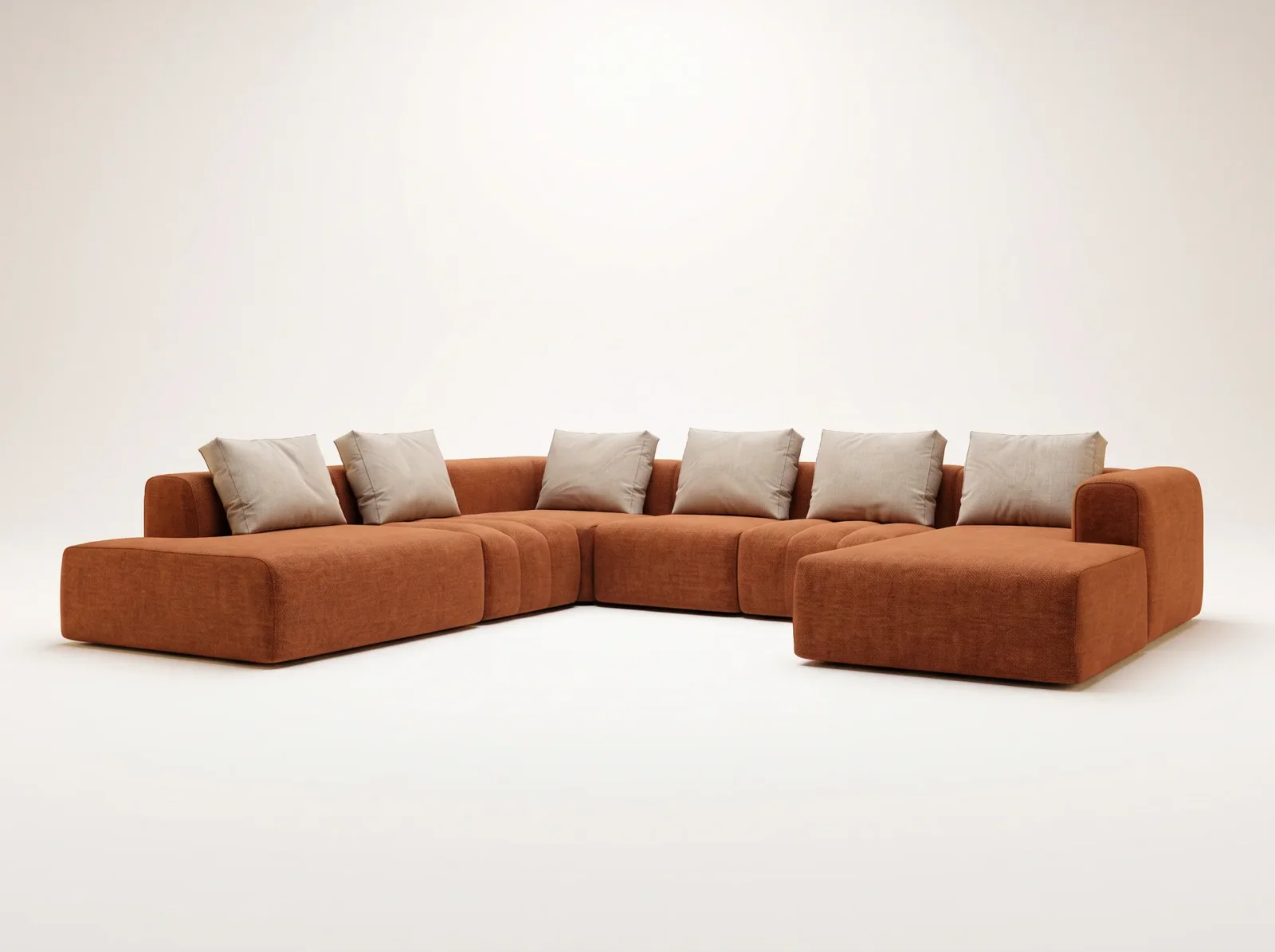
For a sofa, we would divide the brief according to what each image should communicate. A main product view shows proportions and configuration. A close-up explains upholstery texture and construction. An interior visualization helps the customer imagine the piece in a space. Each view has a different purpose, so changing the camera angle three times is not enough.
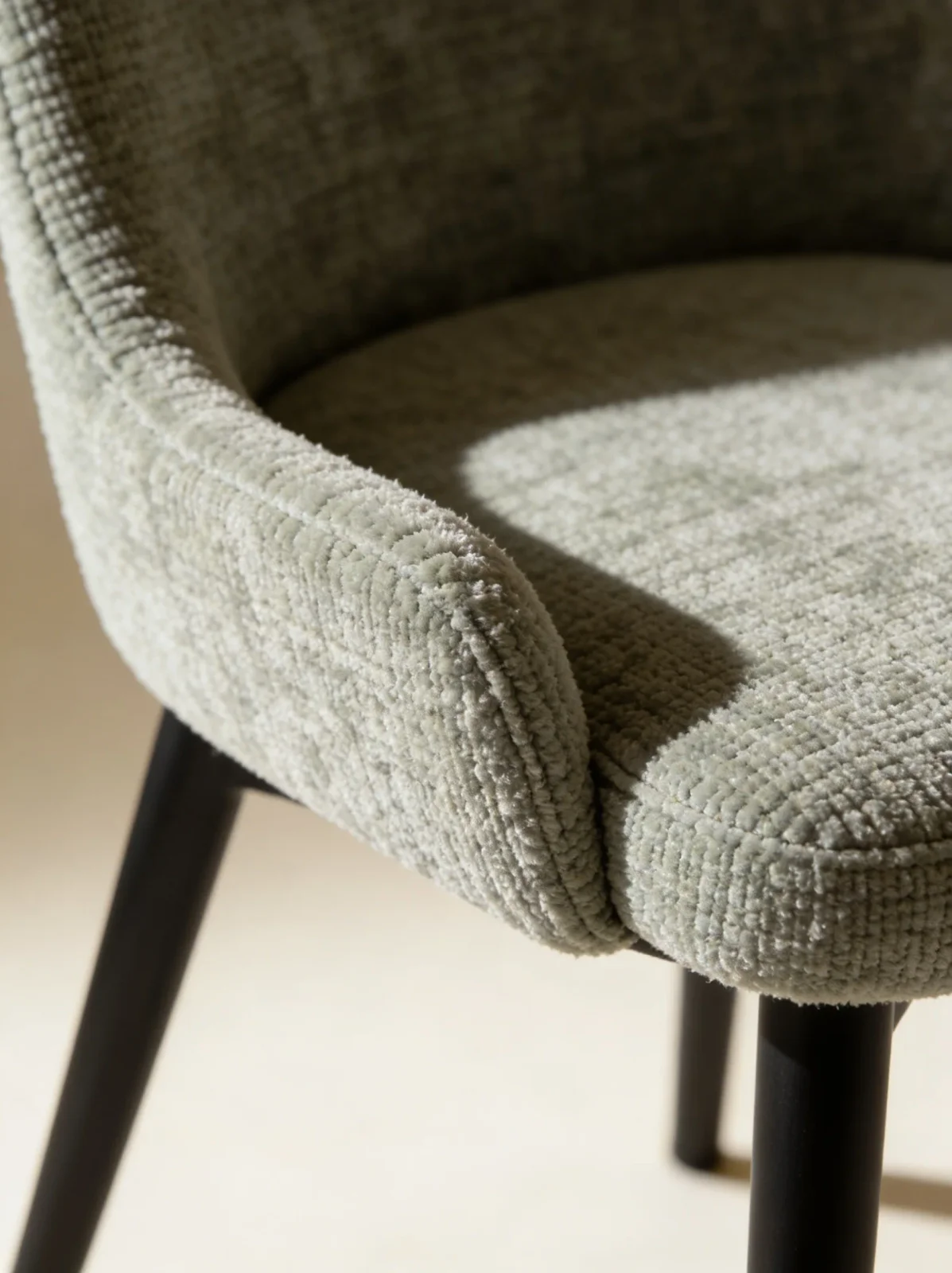
These portfolio examples show different types of visuals: an interior, a studio render and a material detail. They illustrate how images can be used; they are not a cost comparison between photography and 3D for an identical brief.
Photography and 3D can work together
You do not need one method for your entire brand. Photography can capture people, craftsmanship or a real showroom. 3D can add product variants, studio views or campaign settings. To make the outputs work together, agree on lighting, color, perspective and the treatment of detail.
What to prepare before contacting a 3D studio
The purpose of the images: an online store, catalog, website banner, social campaign or large-format print.
A list of products, variants and required views. Separate essential deliverables from optional ones.
Dimensions, drawings, photographs from all available sides, and any existing 3D or CAD files.
Material references: samples or detailed photographs of fabrics, wood, metal and surface finishes.
Visual references, brand guidelines, formats, resolution and space for text in advertising images.
Your deadline, budget range and the person responsible for approving geometry, materials and final previews.
If your references are incomplete, send what you have. Early discussion can establish what is missing and which decisions affect the scope. Dimensions are especially important when a model is built from photographs.
How to decide for your product
For one finished item and a few simple views, start by exploring photography. For an unmanufactured design, many variants or recurring campaigns, consider 3D visualization. If you need both, divide the deliverables according to where each method adds the most value.
The best next step is a short brief and comparable quotes. Your choice should follow your products and planned images, rather than a universal claim that one technology replaces everything.
Show your product with Shapeviz
At Shapeviz, we create 3D models, product renders and interior visualizations. Send us your product, the references you have and the images you need. Together, we can define the modeling scope, visual direction and deliverables for your presentation.